Automated marketing content creation with CMS and AI
Automated marketing content creation with CMS and AI
Create videos for within @January campaign and then send them to @Meta

Create videos for within @January campaign and then send them to @Meta
Editor and CMS in one place
Editor and CMS in one place
Create multiple creative variations from a single design. Connect live data, APIs, or spreadsheets as your content source, and use your Figma design system as the design source.
Create multiple creative variations from a single design. Connect live data, APIs, or spreadsheets as your content source, and use your Figma design system as the design source.
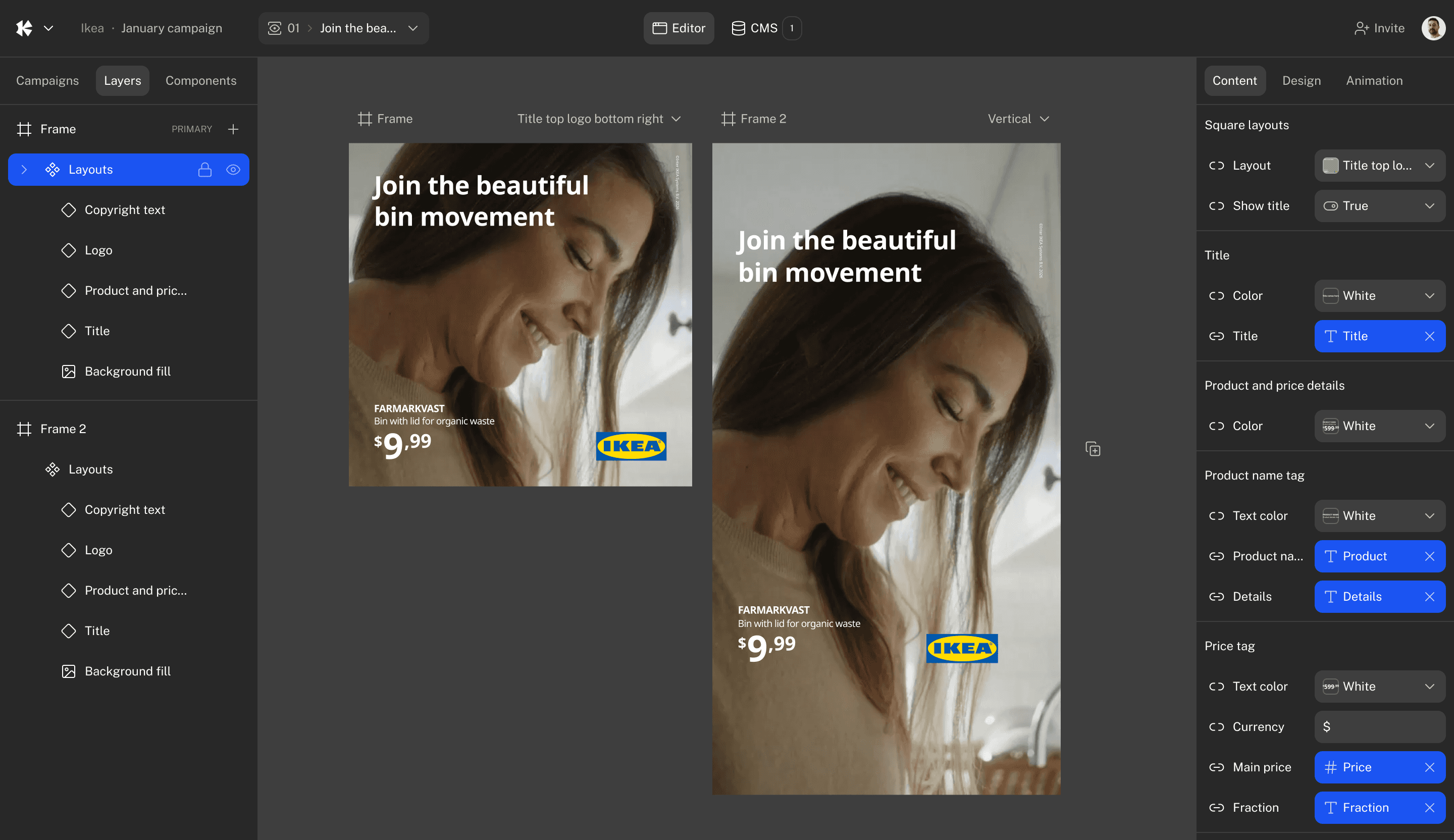
The UI below is interactive, you can click the CMS button or other elements

Ikea
January campaign
01
Join the beautiful bin movement
Editor
CMS
10
Invite

Campaigns
Layers
Components
Content
Design
Animation
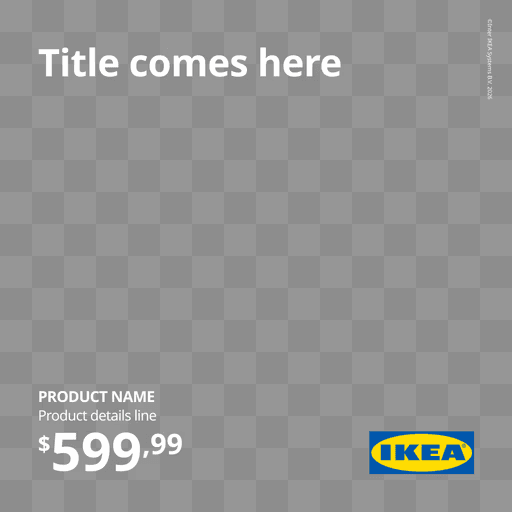




Designers trust the design system, marketers ship fast without handoffs
Designers trust the design system, marketers ship fast without handoffs
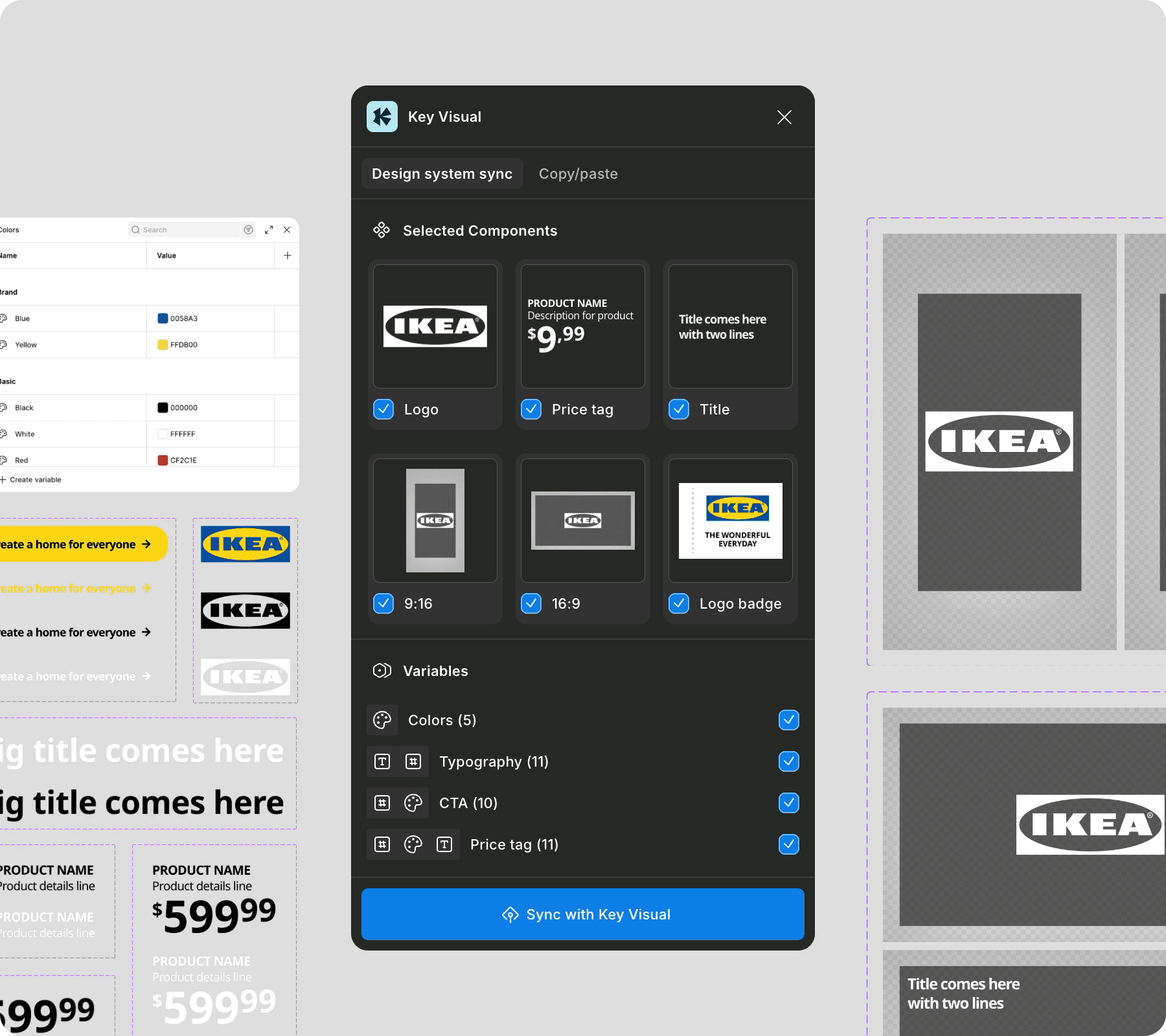
01
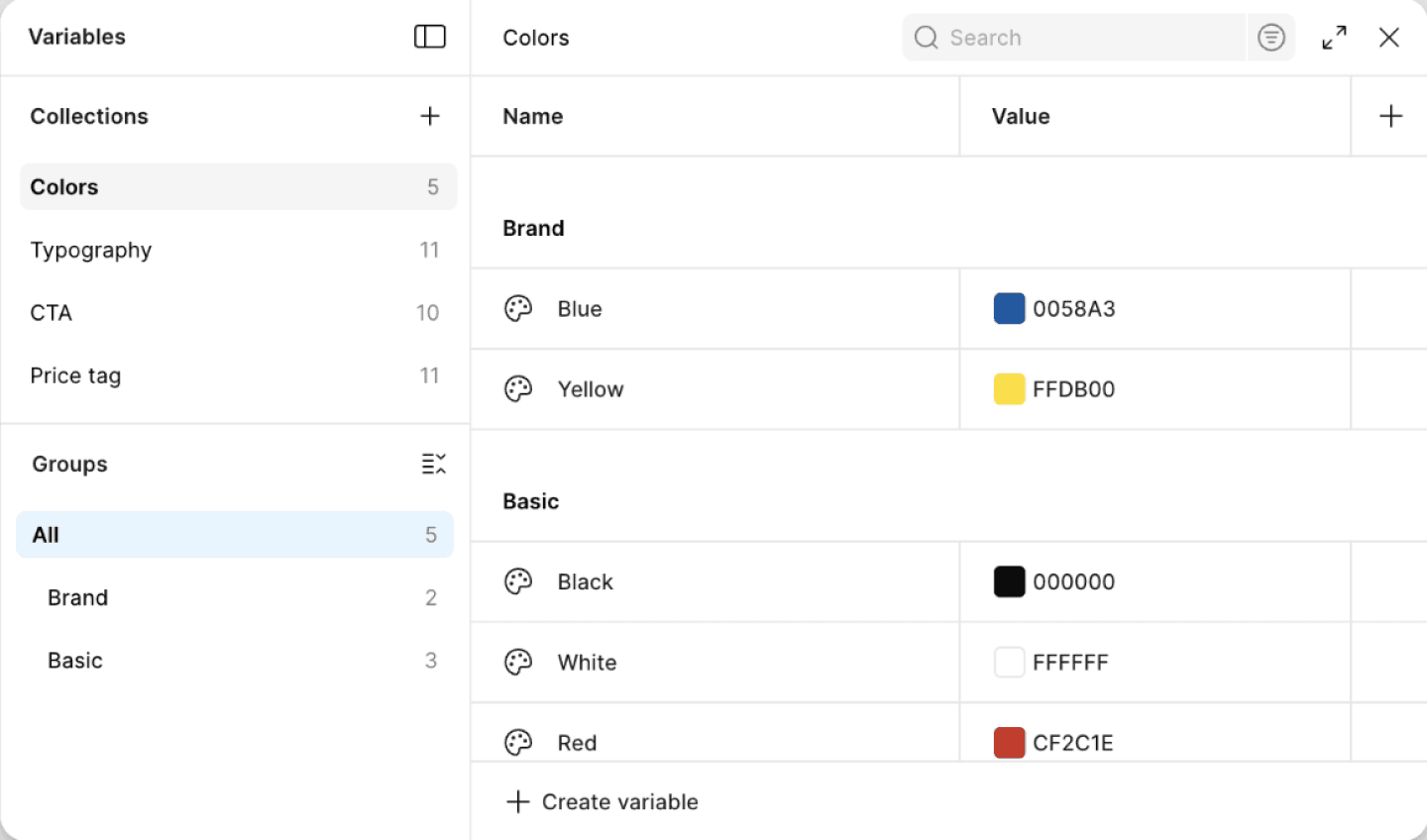
Sync design system from Figma


Import Figma components, variables and all styles with the KeyVisual plugin. Stay synced to your Figma file and push updates instantly. No more copy-pasting for every design change.
02
Design, animate and edit videos on-brand


Turn static Figma designs into videos. Create slideshows, generate videos, swap placeholders for images or clips, and easily pull assets from your DAM.
03
Automatically scale designs with data


Connect your data feed or create tables to generate variations for different media, languages or formats.
04
Integrated with your advertising platform


Publish visuals directly to any advertising platform, without downloading files or manually uploading assets every time you make an update.
01
Sync design system from Figma
Import Figma components, variables and all styles with the KeyVisual plugin. Stay synced to your Figma file and push updates instantly. No more copy-pasting for every design change.
02
Design, animate and edit videos on-brand
03
Automatically scale designs with data
04
Integrated with your advertising platform



Key Visual
Design system sync
Copy/paste
Selected Components
Variables
Colors (5)
Typography (11)
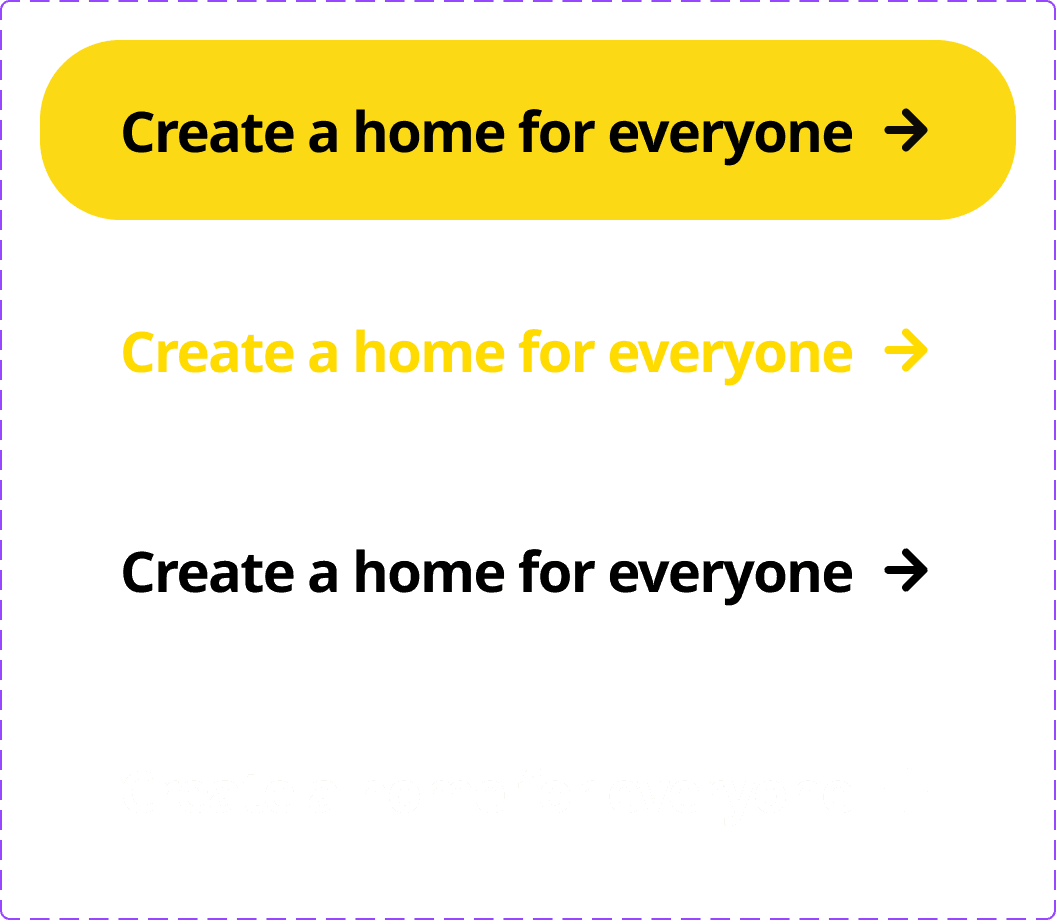
CTA (10)
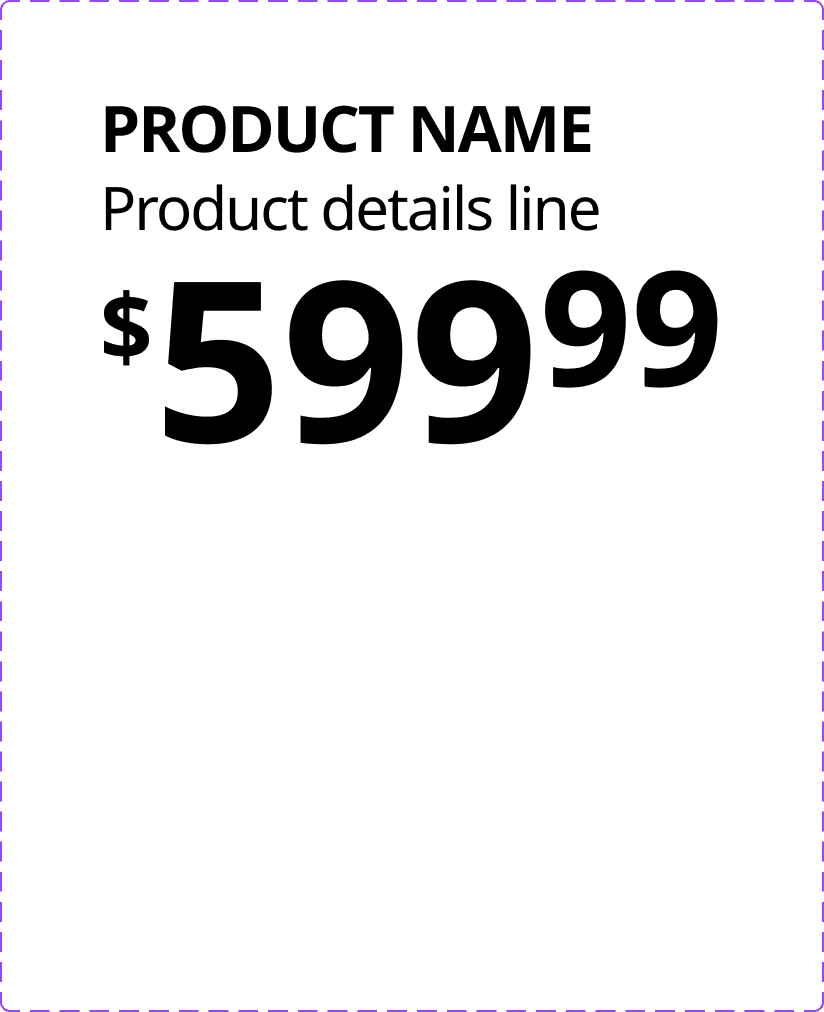
Price tag (11)
Sync with Key Visual

Logo
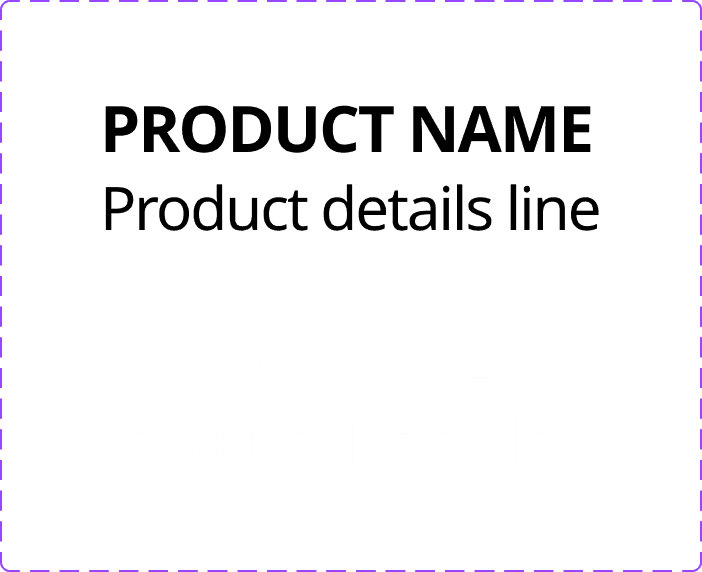
PRODUCT NAME
Description for product
$
9
,99
Price tag

Title
9:16
16:9
Logo badge
Scaling creatives, faster than ever
Scaling creatives, faster than ever
Create three videos for
Creative automation
campaign in
vertical, horizontal
and square formats.
Use
January week 1
layouts from Figma,
pick random
background
videos
from
Background videos
folder.
Get the text content from
Week 1 copies
Generate
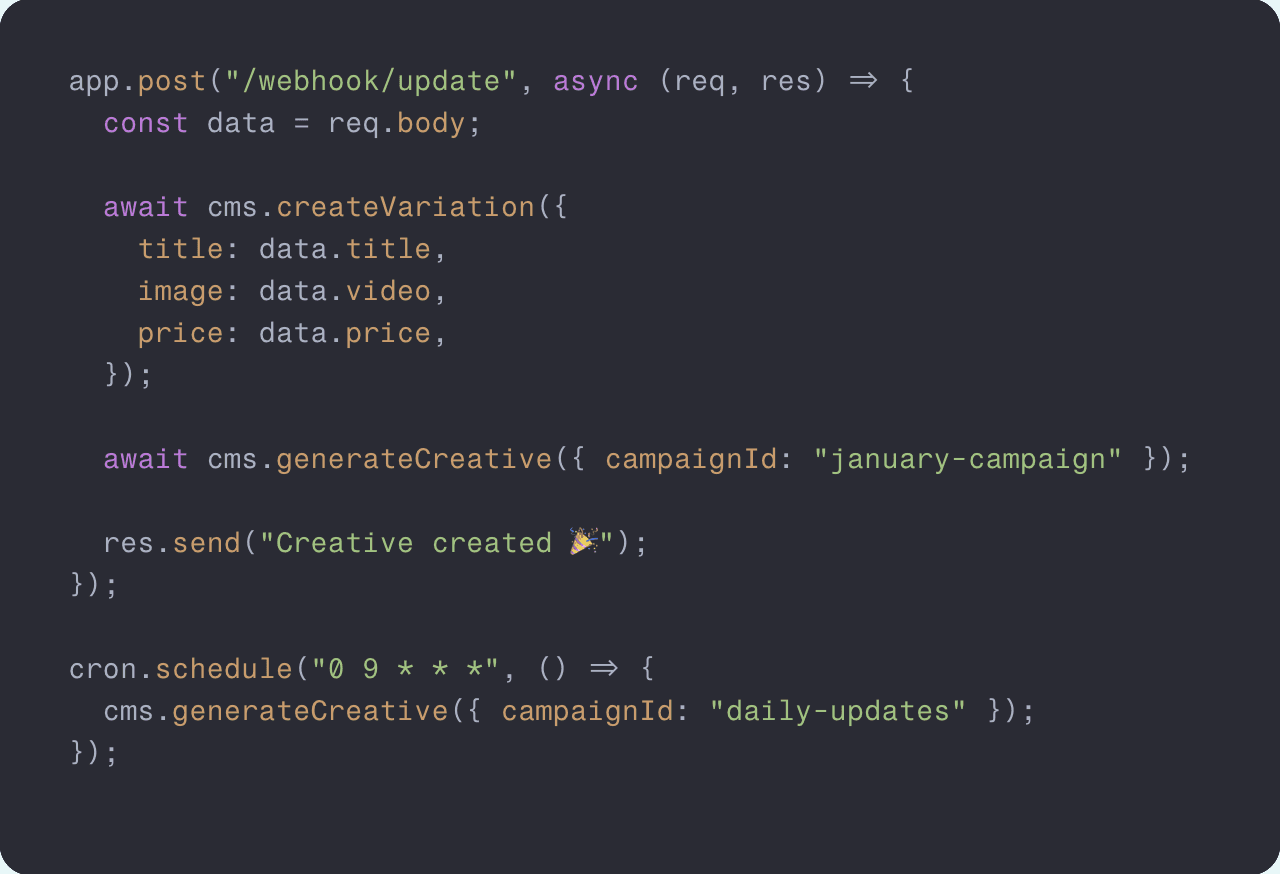
Use AI to generate variations
Use AI to generate variations
Generate creatives from reference layouts, assets, and data tables using simple prompts. AI never invents content, everything stays fully on-brand and within your guidelines.
Generate creatives from reference layouts, assets, and data tables using simple prompts. AI never invents content, everything stays fully on-brand and within your guidelines.
app.post("/webhook/update", async (req, res) => {
  const data = req.body;

  await cms.createVariation({
    title: data.title,
    image: data.video,
    price: data.price,
  });

  await cms.generateCreative({ campaignId: "january-campaign" });

  res.send("Creative created 🎉");
});

cron.schedule("0 9 * * *", () => {
  cms.generateCreative({ campaignId: "daily-updates" });
});
Server API / Headless CMS
Server API / Headless CMS
Connect your CMS to external tools and data sources. Use AI agents or webhooks to automatically create content. Link tools like Notion, Slack, Airtable, Webflow, or Framer. Set triggers to create new videos or images when your data updates or on a schedule.
Connect your CMS to external tools and data sources. Use AI agents or webhooks to automatically create content. Link tools like Notion, Slack, Airtable, Webflow, or Framer. Set triggers to create new videos or images when your data updates or on a schedule.
Videos with auto-layout
Videos with auto-layout
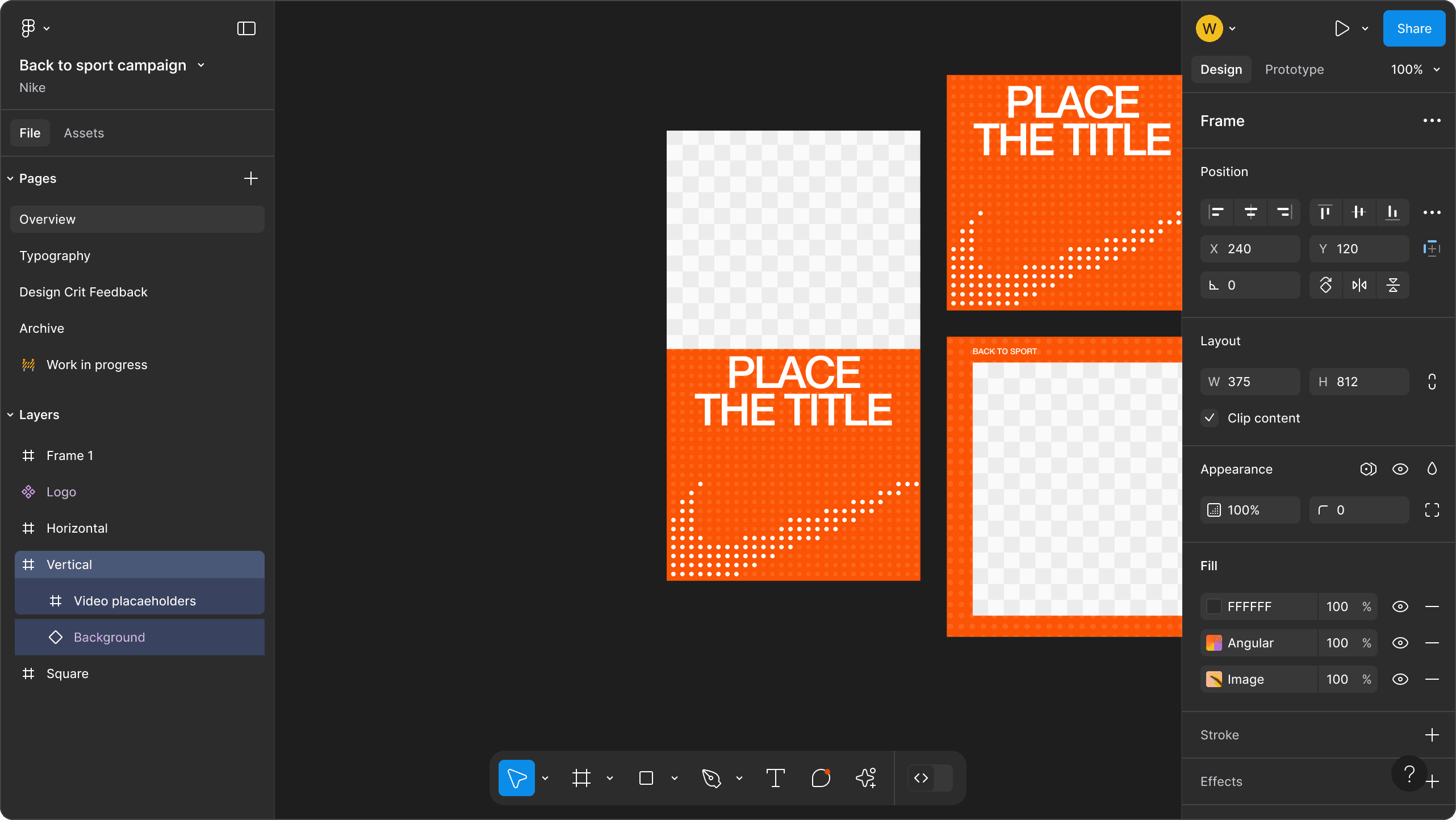
Import your Figma layouts, place your videos, and automatically generate multiple size videos based on your Figma constraints. It's a simple way to scale your creatives without manual resizing.
Import your Figma layouts, place your videos, and automatically generate multiple size videos based on your Figma constraints. It's a simple way to scale your creatives without manual resizing.





Synced with Figma, no more copy/paste
Synced with Figma, no more copy/paste
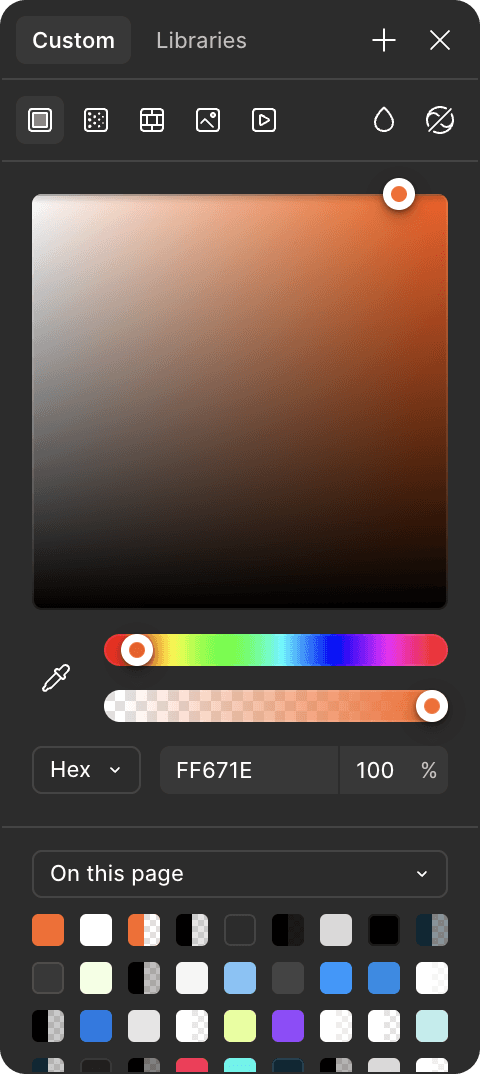
Stay in sync with your design system through a direct connection to Figma components, variables, and styles. Any change you make in Figma, updates your creatives in real time. No copy-pasting, no version tracking.
Stay in sync with your design system through a direct connection to Figma components, variables, and styles. Any change you make in Figma, updates your creatives in real time. No copy-pasting, no version tracking.
Creative, production, growth teams work together seamlessly
Creative, production, growth teams work together seamlessly
Variables
Components
Layouts
Styles
Campaign title
Price
Product name
Product catalog
Language
Videos
Photos
Soundtracks
Voice overs
Metadata


Creative team
Growth team
Production team
" height="100px" id="yguvJ8NQI" width="100px"/></svg>)



Why Key Visual is a better tool for marketing asset automation
Why Key Visual is a better tool for marketing asset automation

Figma Buzz
doesn't have timeline editor and animations.
Figma Buzz
doesn't have timeline editor and animations.
Figma Buzz
doesn't have timeline editor and animations.
© 2026 Artboard Studio Inc.. All rights reserved. Key Visual is a brand of Artboard Studio Inc.
© 2026 Artboard Studio Inc.. All rights reserved. Key Visual is a brand of Artboard Studio Inc.